Harsh Kumar
Full-stack engineer who designs systems before writing a line of code — architecture, trade-offs, and interfaces first, implementation second.
About
I design systems before I build them — architecture, trade-offs, and interfaces first, implementation second. That order matters more to me than any single language or framework.
Day to day, that's full-stack work: frontend interfaces, backend services, the integration layer connecting them, and AI/LLM components woven into the systems themselves rather than bolted on top. The same instinct carries into CAD design and hardware builds — plan the structure, understand the constraints, then build something that actually works.
Right now I'm deepening the parts of this that scale: production-grade backend architecture, and AI integration reliable enough to depend on, not just impressive in a demo.
- RoleFull-stack Engineer
- DegreeB.Tech, Computer Science
- InstitutionNoida Institute of Engineering and Technology
- LocationBased in India
- FocusBackend architecture, AI/LLM integration
- CurrentlyOpen to engineering roles and website development
Skills & Tools
Featured Projects
RepoLens
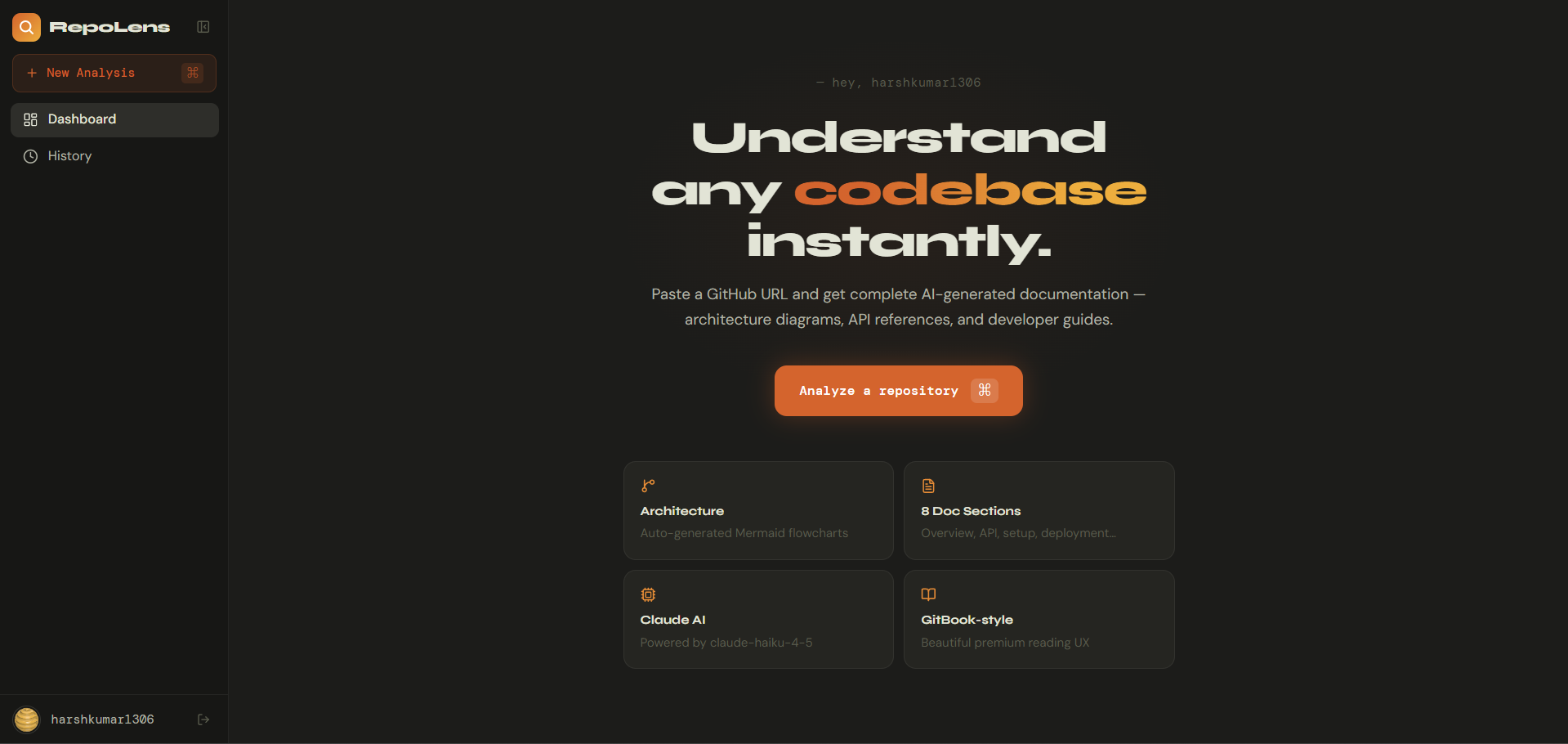
Paste a GitHub URL, get a full documentation suite back — architecture diagrams, API reference, database schema, setup guide, all generated in parallel and streamed in live as each one finishes.
The Problem
RepoLens automates the first pass: it ingests a repository, understands its structure, and produces the eight documents a new contributor would actually need — overview, architecture, tech stack breakdown, database schema, API reference, setup guide, deployment guide, and a reverse-engineered spec.
How It Works
A 4-layer ingestion pipeline handles repos of any size without wasting API calls: a size guard rejects anything over 50MB or 2,000 files, then the file tree is fetched and filtered, files are tier-ranked by relevance (entry points and config first, then routes/controllers/models), and only the highest-value files are sent to Claude. Each of the 8 documents is generated from a scoped prompt containing only the files relevant to that document — architecture gets entry points and Docker files, API reference gets route files.
Generation runs through a concurrency-limited queue (3 parallel Claude calls) with retry logic and exponential backoff, and WebSocket updates push each completed document to the frontend as it lands, so the whole flow is watched live rather than waiting on a spinner.
Stack & Architecture
Frontend: React + Vite, Tailwind, Framer Motion, Socket.io client, Mermaid.js for live architecture/ER diagrams. Backend: Node.js + Express, Prisma ORM over PostgreSQL (Neon serverless), Octokit for GitHub access, the Anthropic SDK for generation, Puppeteer for PDF export. Deployed as two services — frontend on Vercel, backend on Render — with a proxy rewrite so cookies work across origins, plus GitHub OAuth for auth.
Reliability & Key Decisions
Repo caching (24h TTL) avoids re-analyzing repos already processed. Partial-failure handling means a job still returns results if up to 4 of the 8 documents fail. A rate-limit guard checks GitHub API headroom every 20 files and pauses ingestion before hitting zero.
Octype
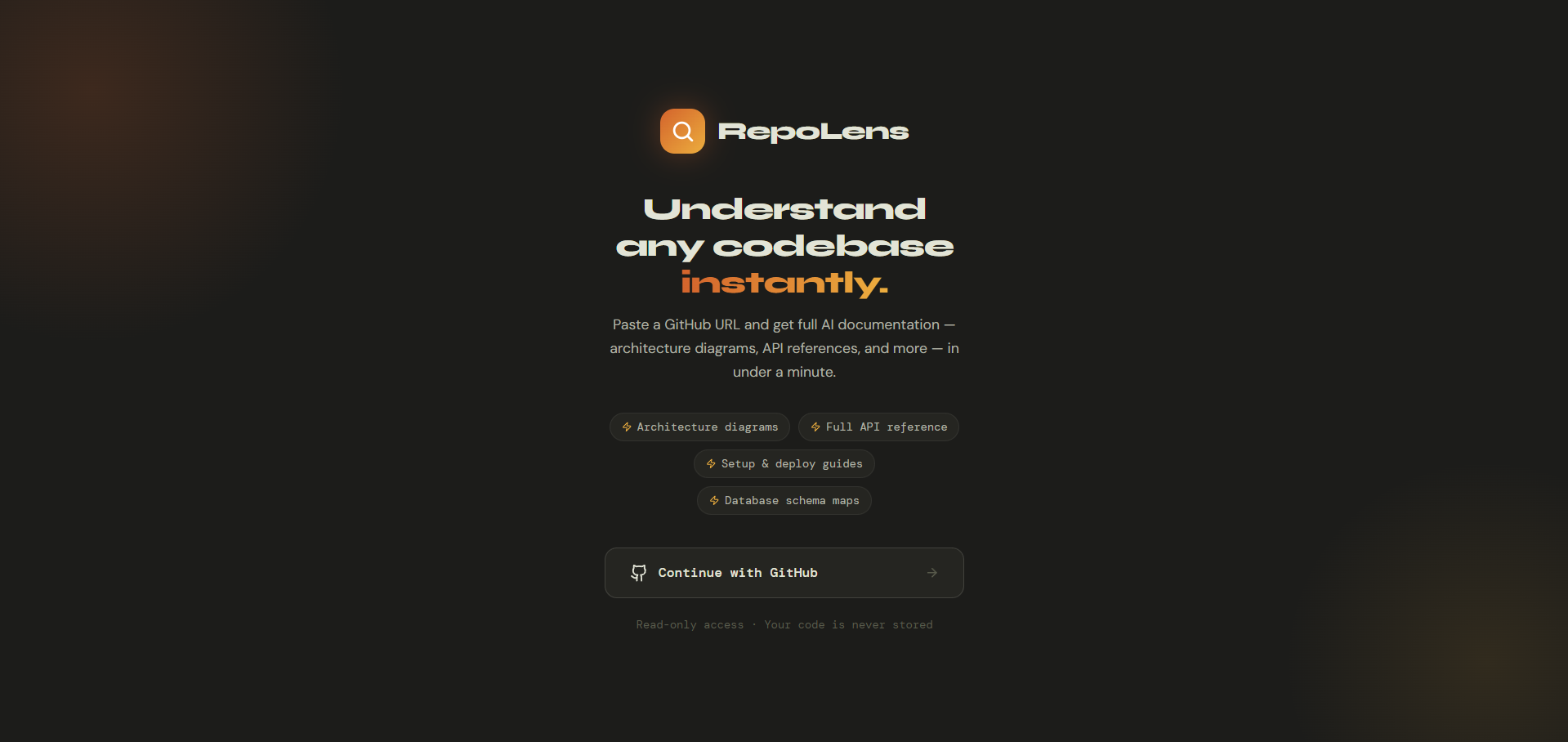
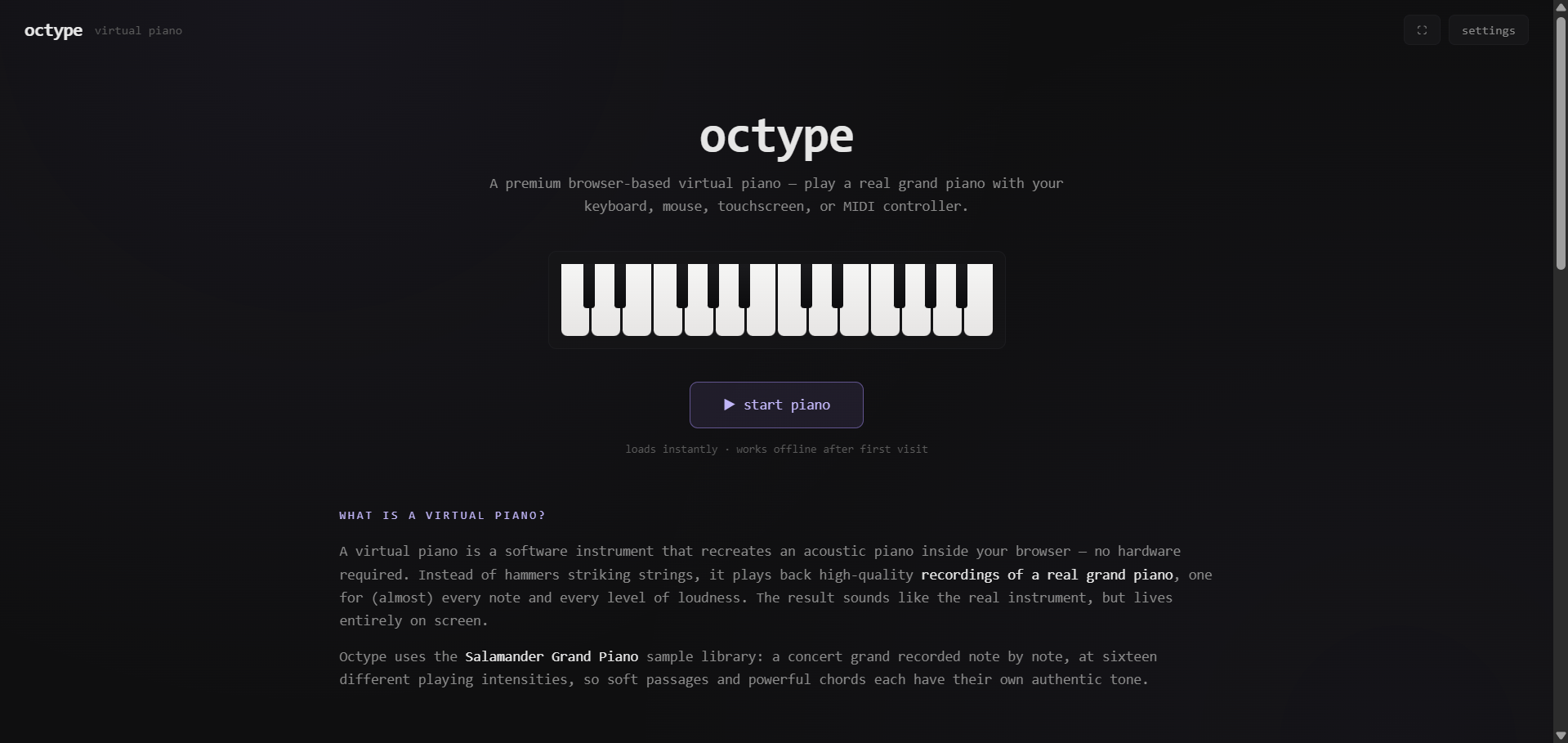
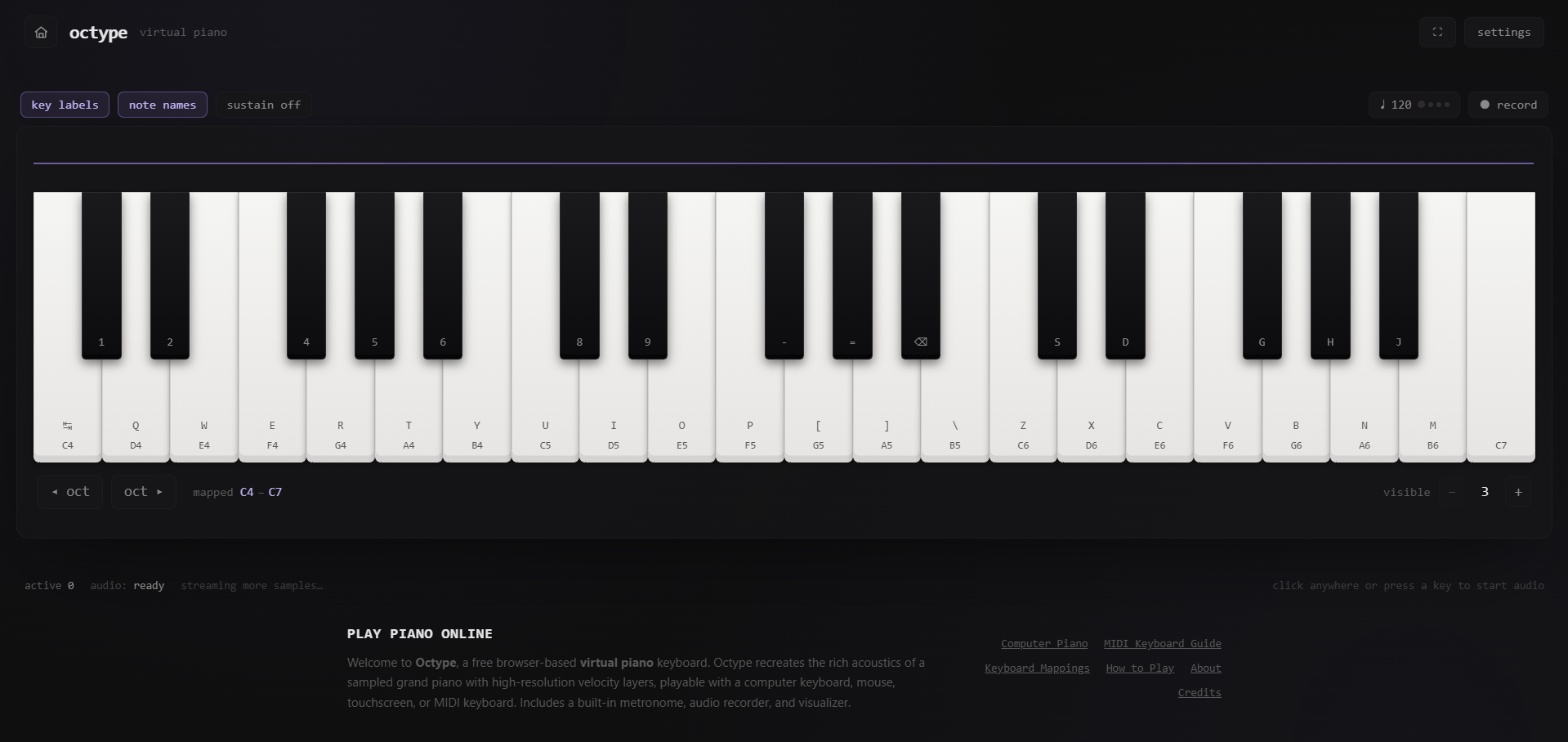
A browser-based grand piano — real Salamander Grand Piano recordings, 32-voice polyphony, MIDI input, sub-10ms feel, working fully offline after first load.
The Problem
Octype is built the other way around — a real-time audio system that has a React interface, not a React app that plays audio.
How It Works
The audio engine is fully decoupled from React and never touches component state. Input (keyboard, mouse, touch, or MIDI) resolves to a note through a singleton InputRouter, which updates a Zustand store for the UI and separately calls the audio engine directly. The engine picks the correct sample and velocity layer, computes pitch shift and gain, and starts a dedicated signal chain per note — all scheduled on the Web Audio clock (AudioContext.currentTime), not on React's render cycle. That separation is what keeps playback tight even while the UI animates.
Notes are sampled at 30 pitches across 16 velocity layers (480 files total); in-between semitones are produced by pitch-shifting the nearest recorded sample. A Service Worker plus IndexedDB caching means the app and its ~480 audio files work with zero network requests after the first visit.
Stack & Architecture
Next.js 14 (App Router), TypeScript in strict mode, React 18, Tailwind, Framer Motion for UI animation, Zustand for state, native Web Audio API and Web MIDI API — no audio or MIDI libraries, built directly on browser primitives.
LeadMap
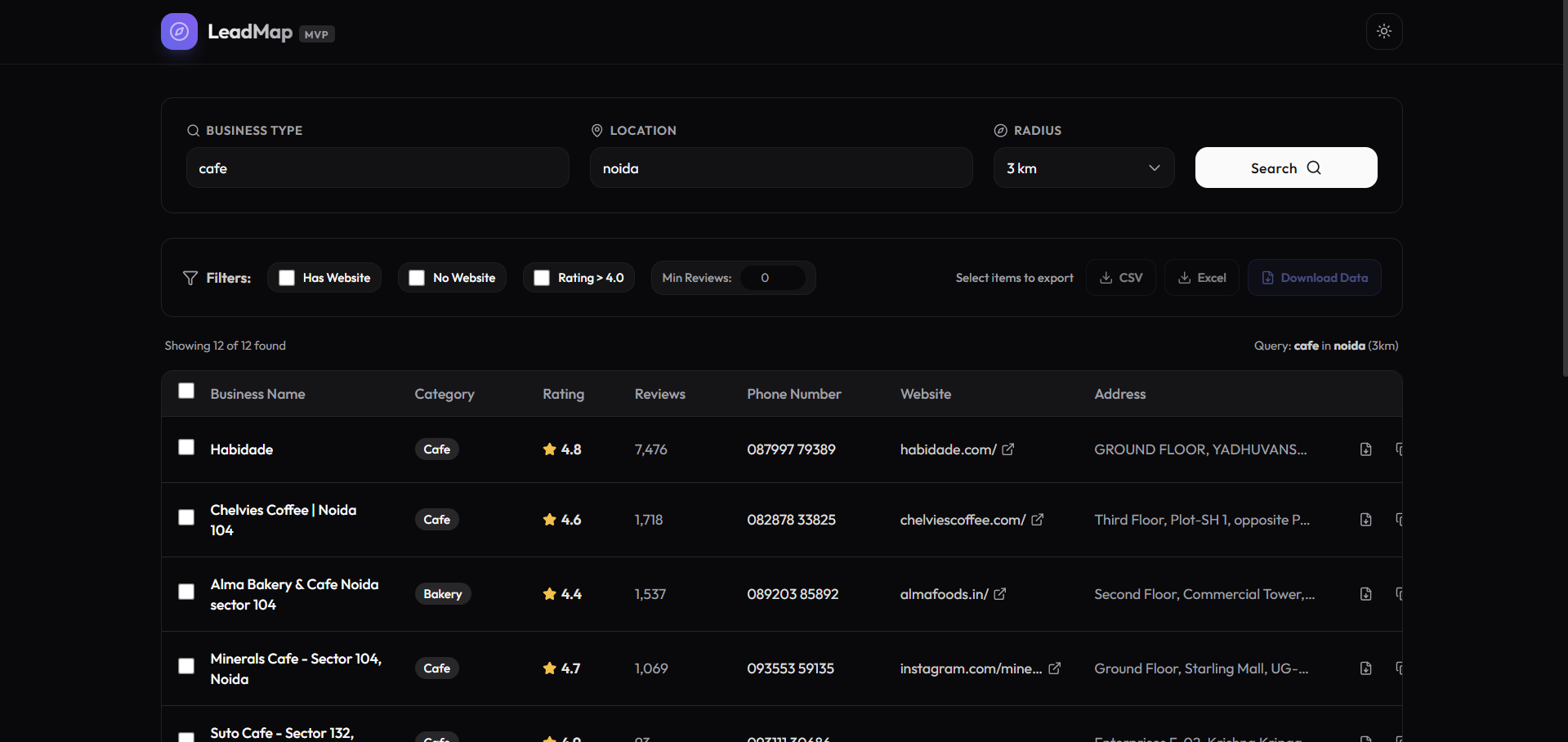
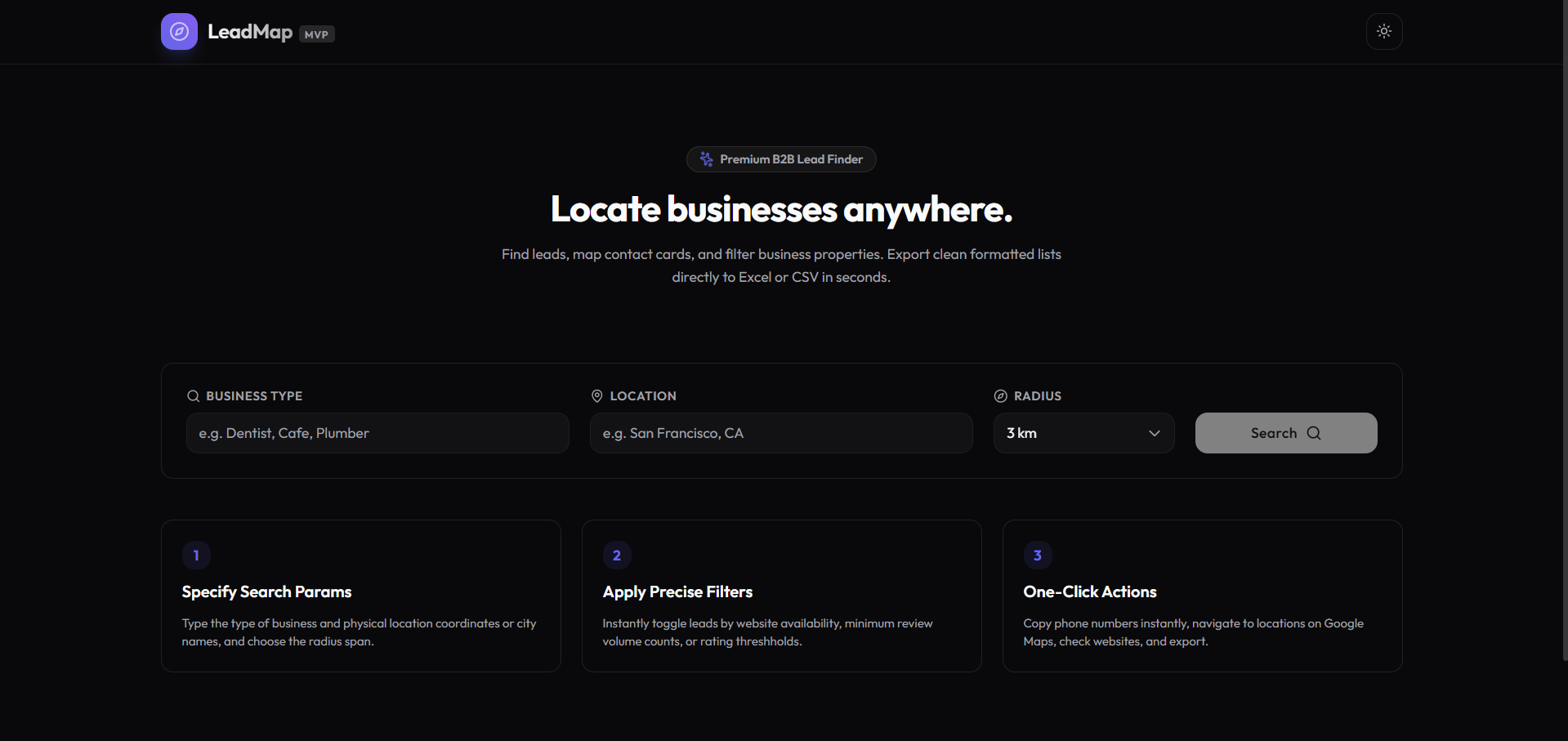
A minimalist prospecting tool: search local businesses by type, location, and radius, filter the results, and export them as a spreadsheet — no backend, no database, no login.
The Problem
LeadMap is a purpose-built alternative that runs entirely client-side — search, filter, and export contact data in one pass, with nothing to host or maintain server-side.
How It Works
Search by business type, location, and radius against the Google Places API. Results land in a clean table (name, category, rating, reviews, phone, website, address) with quick actions per row — copy the phone number, open in Google Maps, or visit the website directly. Filters narrow results by whether a website exists, minimum rating, and minimum review count, and any subset of results can be selected and exported to CSV or Excel.
If no API key is configured, the app runs in a demo mode with realistic mock data — the full UI is evaluable with zero setup or credentials.
Stack & Architecture
React 19 with TypeScript, built on Vite. Styling with Tailwind CSS and custom shadcn-style component primitives rather than a full component library. Data comes from the Google Maps JavaScript API (Places legacy) plus the Geocoding API for location lookups. Export handled client-side via the xlsx library — no backend round-trip for either search or export.